Sell more than the plan
Add-ons extend any plan with a capability your code declares: your users browse them, try them and buy them from their account, and your team grants them from the admin panel.
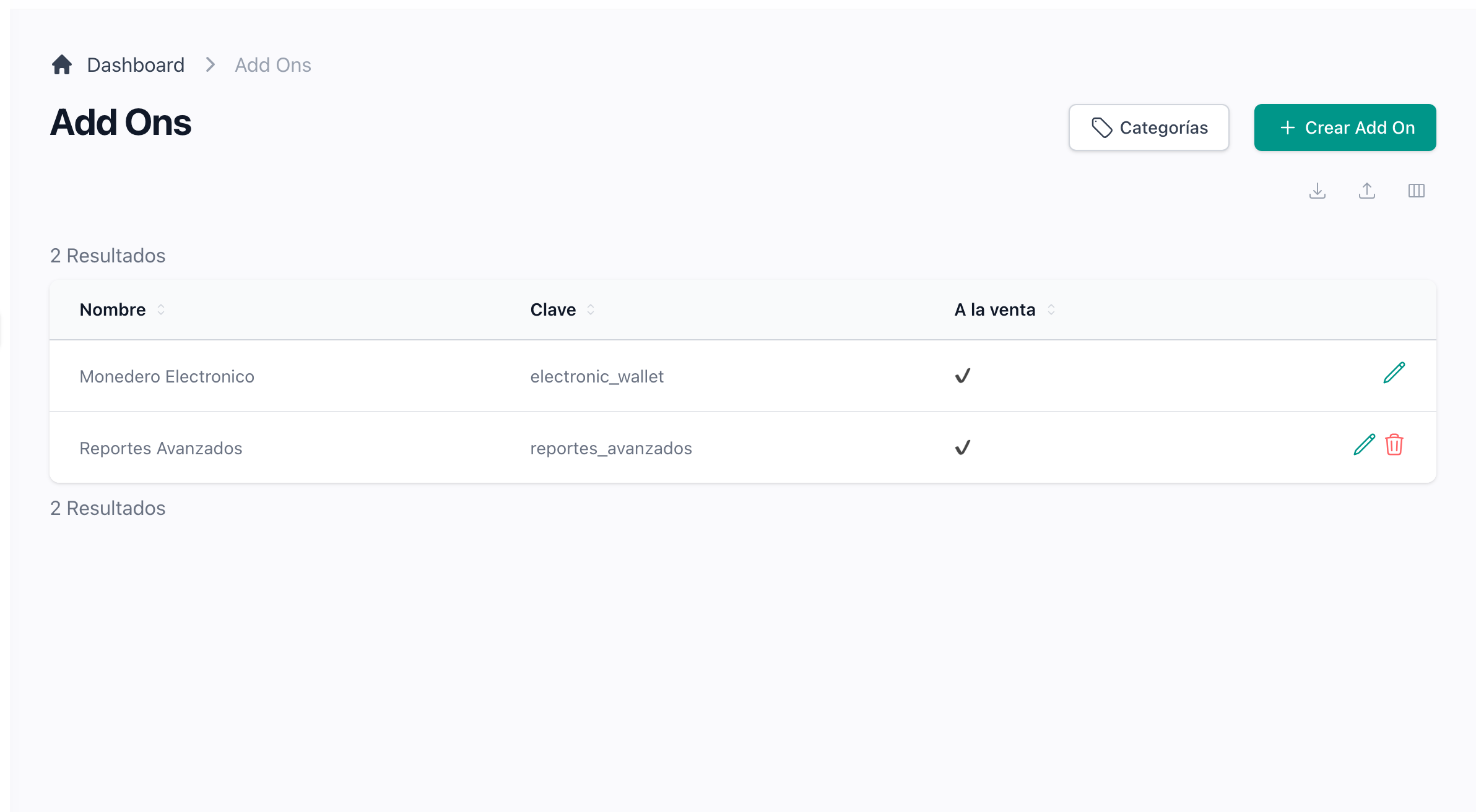
Sell add-ons on top of any plan
Declare a capability in code and price it from the admin panel, with an icon, screenshots, categories and its own limits. One add-on can require another, so the catalogue holds it back until the account has the one it builds on. Whether an account has it is one question your code asks, whatever way it was obtained. Its name and descriptions show in each customer's language, translated like the rest of your product.
How to sell add-onsDeclare plans and add-ons in code
Describe a plan or an add-on once in its seeder, with its prices, images and help guides, and every deploy creates it or brings it up to date. While it stays under code control the admin panel shows it locked; releasing it hands it to the panel for good. A plan or add-on created by hand is never touched. The add-on card links to its guides, so a customer finds how it works from the catalogue.
How to declare an add-on in code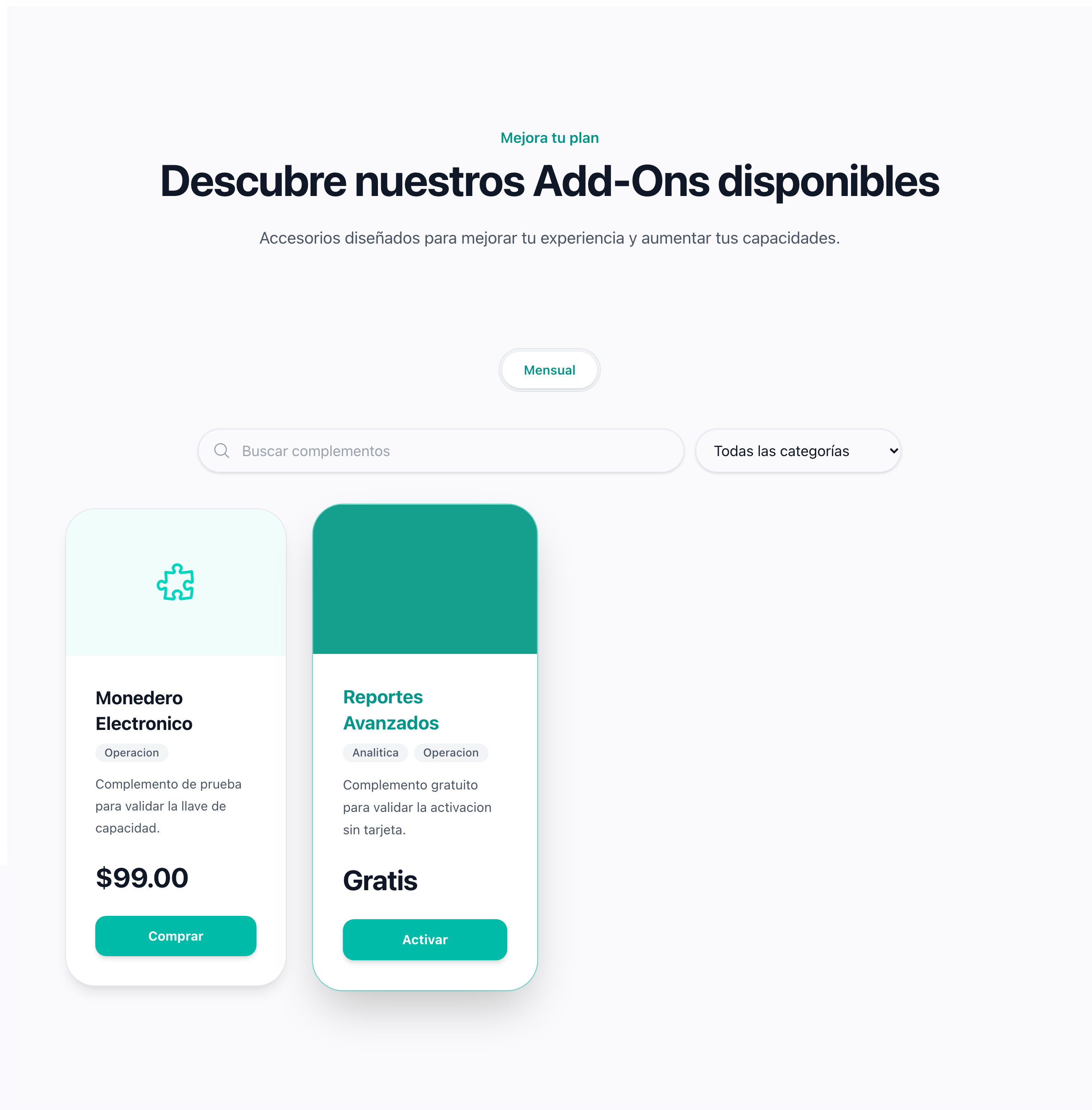
Let your users browse and buy add-ons themselves
The account has a catalogue with search, categories and a detail page per add-on. Free ones switch on with a click; paid ones join the subscription and are invoiced right away. Cancelling one, switching it off or moving to a smaller tier is refused while the account would be left using more than it allows, so nobody loses room for what they already have.
What happens when an add-on is cancelledLet accounts try an add-on before buying it
Give an add-on free trial days and its card offers Try N days beside Buy. No card is asked for and nothing is charged: the account is reminded the day before it ends, and when it ends the add-on goes back to not bought, keeping what was created with it. Buying during the trial replaces it with no gap, and each account tries each add-on once.
How add-on trials work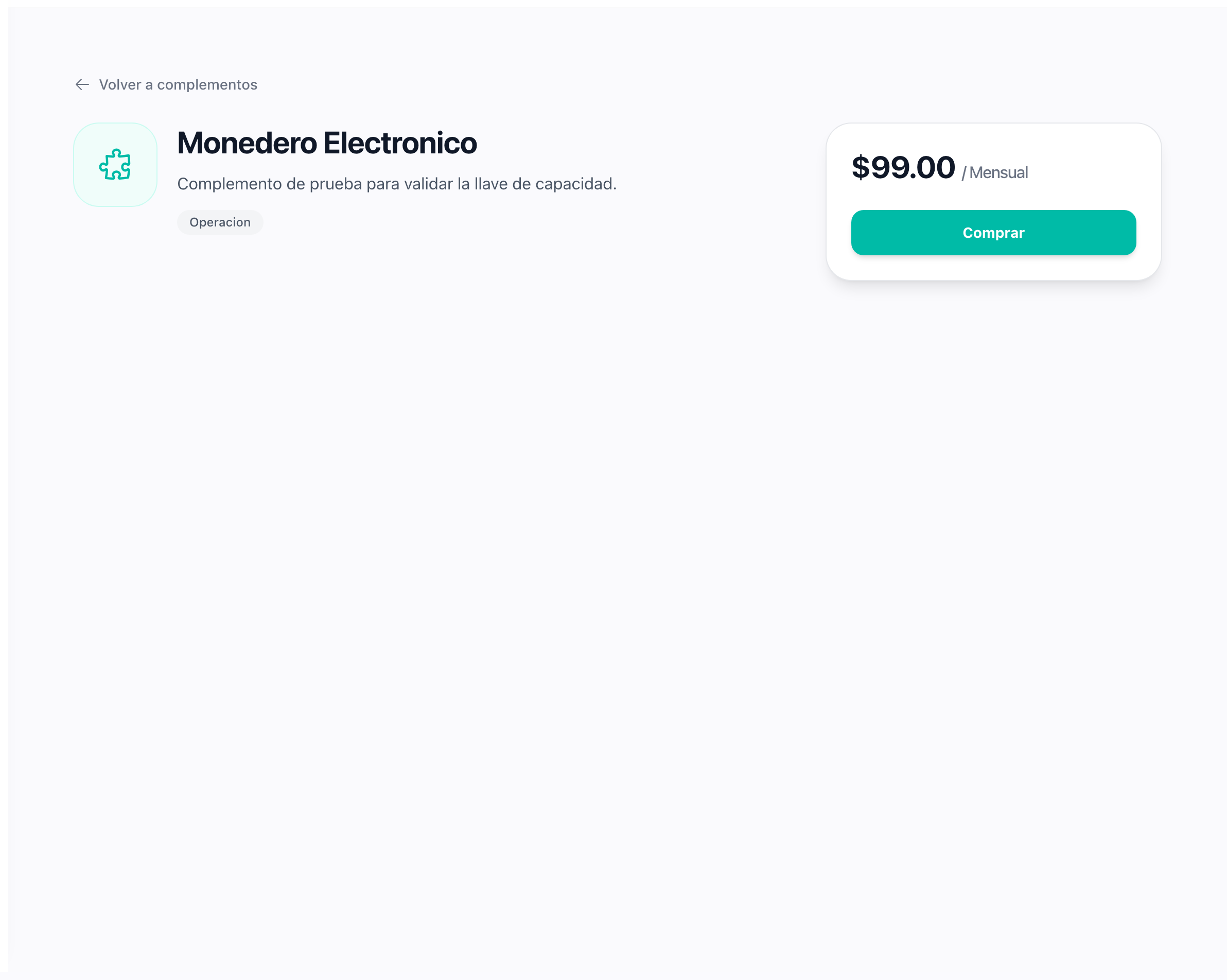
Grant an add-on five different ways
An add-on can be free, included in a plan, bought by subscription, tried for a few days or owned for life. The account resolves them in order, so a lifetime purchase is never switched off by a webhook or an ended trial. The admin panel shows which way each account holds each add-on, grants a trial or a lifetime access, and removes a gift or an access you granted, unless the account would be left over its quota.