Tell people what happened, wherever they are
One notification reaches the account, the inbox and the phone, and each person decides which of those they want.
Write it once, deliver it everywhere
A notification is one class with a subject, a description, an image and a link. Sent, it lands in the account, in the inbox when the person wants email, and on every browser they subscribed.
How to send one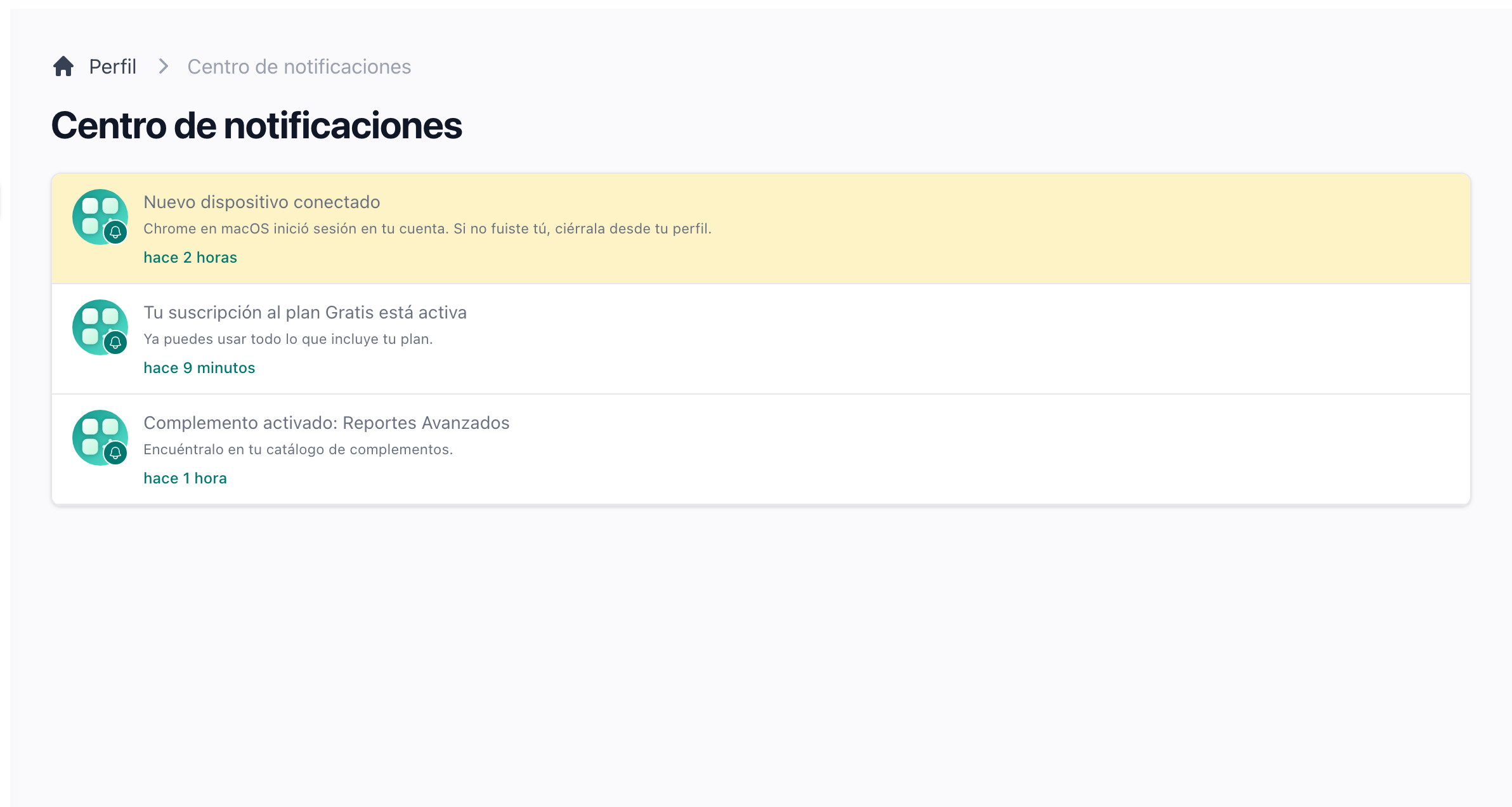
Nothing gets lost in the notification centre
The bell counts what is unread and shows the latest ten. The centre lists everything with its read state, unread first, and Mark as Read clears the whole list at once.
Reach the desktop or the phone with the site closed
Web push delivers a system notification to every browser the person allowed, tab open or not. Tapping it opens the link the notification carries, and a subscription that expired cleans itself up.
How web push is set upSend a text message when it has to be read now
An SMS channel through Amazon SNS is ready for any notification of yours. The phone verification code already travels through it, so the credentials are the same ones.
Announce something to everyone at once
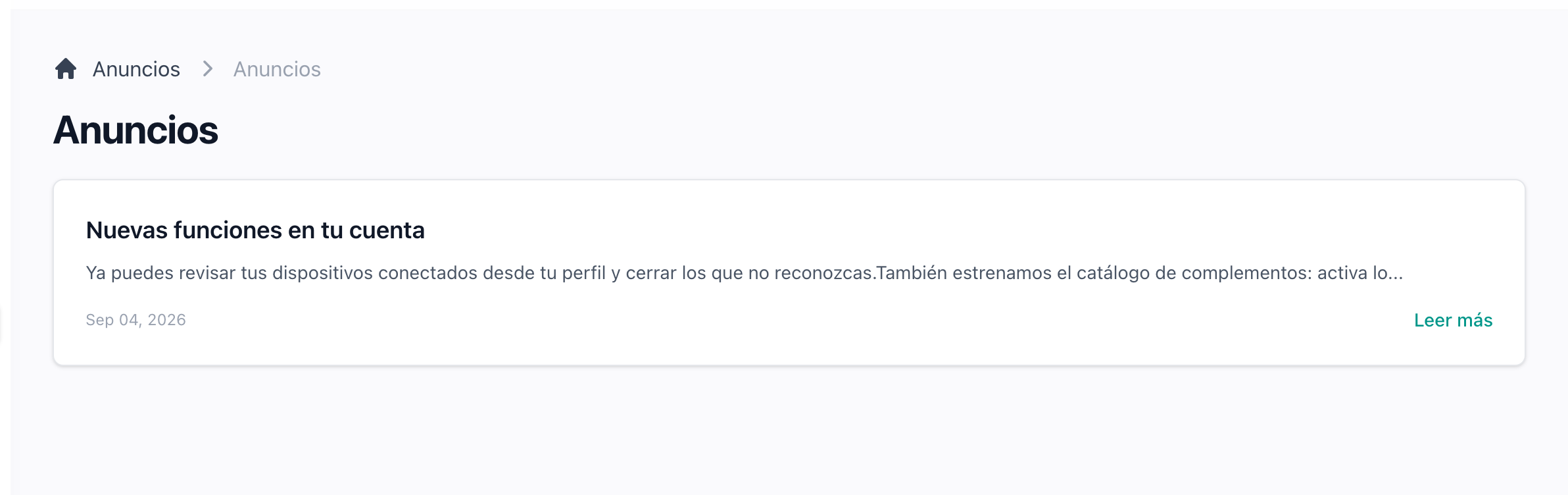
An announcement reaches every account the moment it is published. A megaphone in the top bar counts the unread ones, and an email goes out too when you ask for it.
How to publish one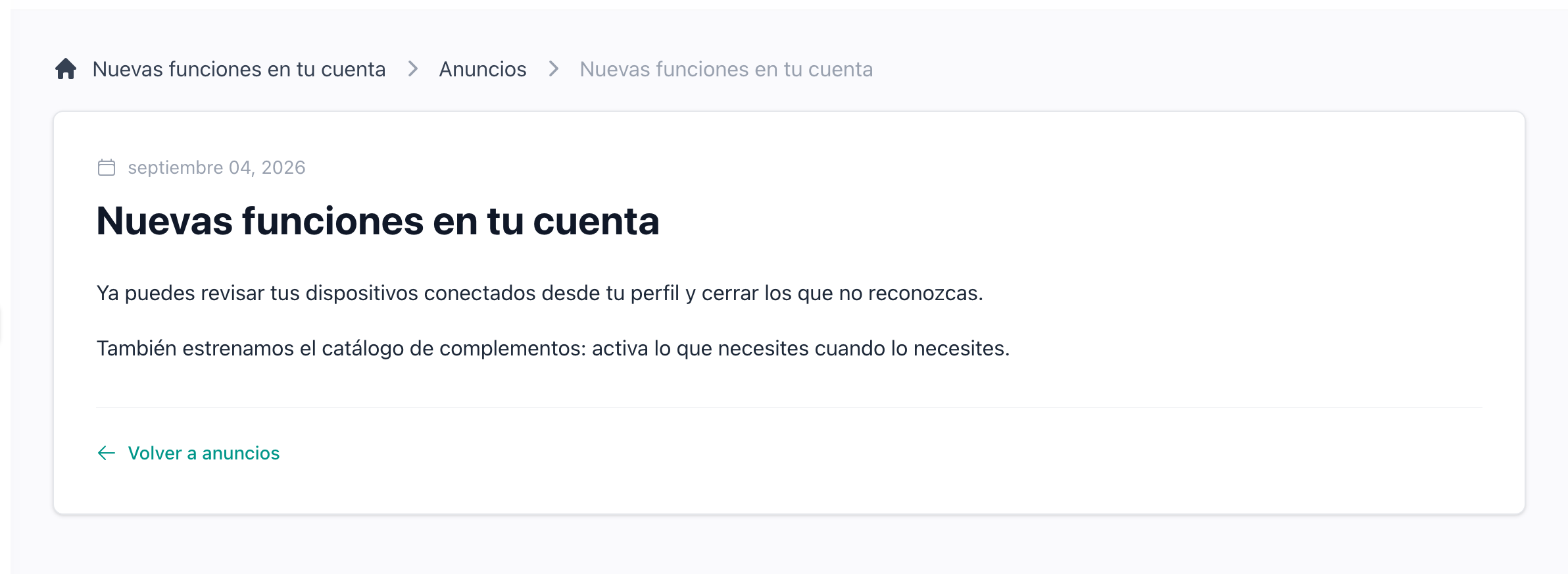
Announcements read like a page, not a popup
Each announcement is a page inside the application, written in Markdown, with its publication date and a list behind it. Someone who was away for a week finds all of them waiting.
Publish from the admin panel
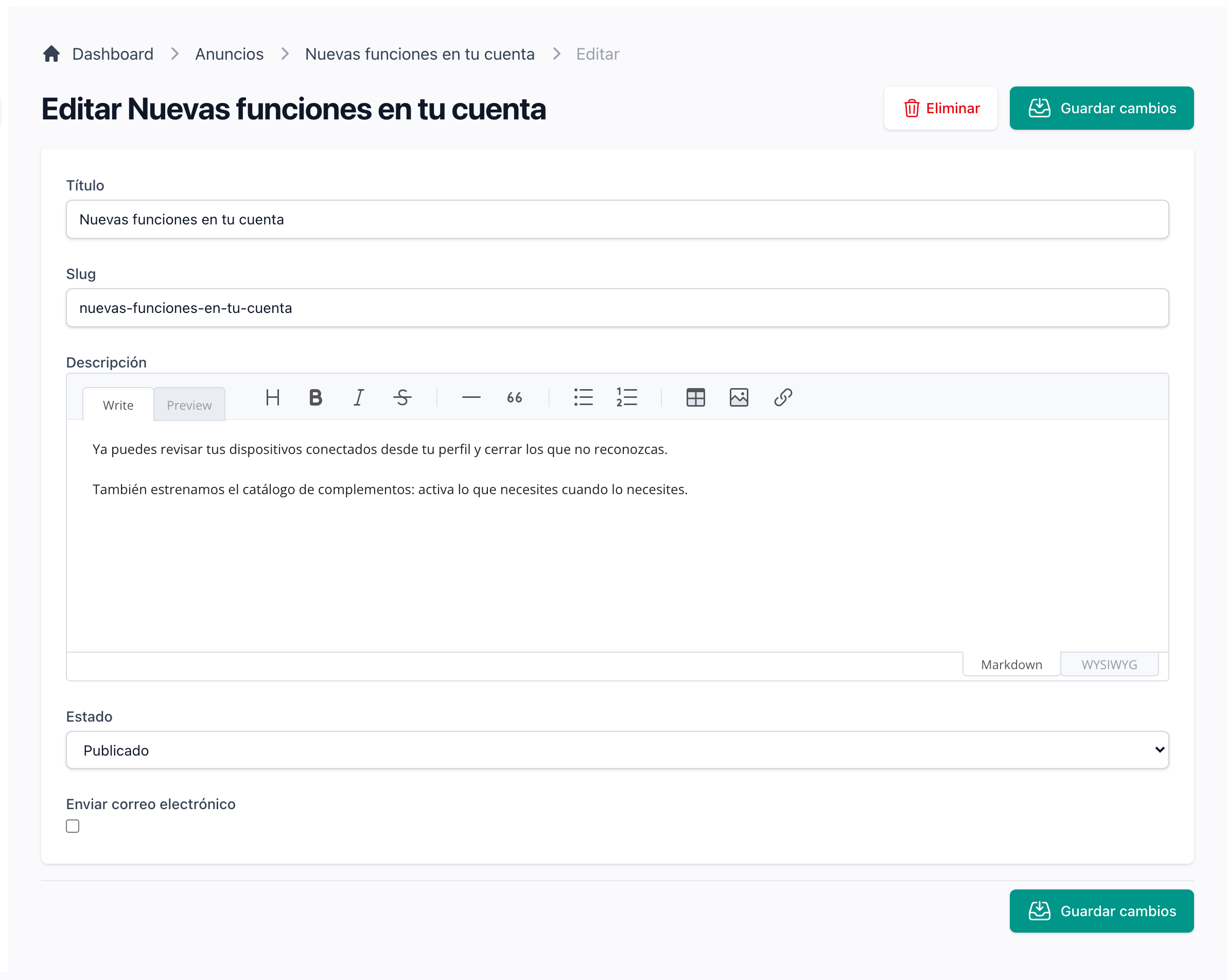
Title, body, a draft or published status and a Send email checkbox. The emails leave from the queue, so publishing stays instant however many accounts you have.
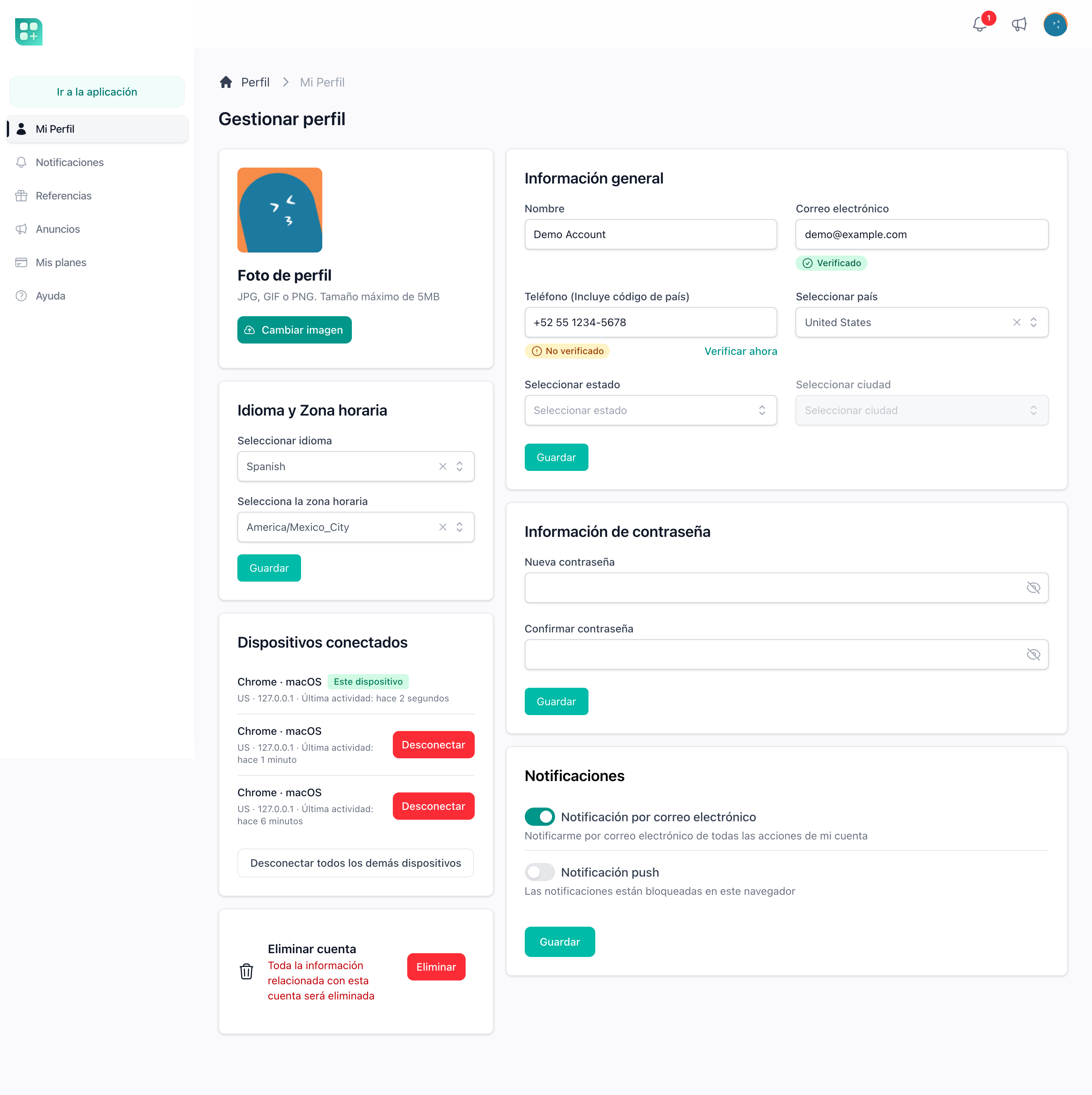
Let each person choose what reaches them
The profile has a switch for email and one for push in the current browser. The bell is always on, so someone who turns everything off still finds it all in the centre.
Send mail through the provider you already use
Mailgun, Amazon SES, Postmark, Resend and plain SMTP are already wired in, and a failover mailer tries the next one when the first fails. You pick one in the environment file and change nothing else.
Which transport reads which keysEvery email and text is on record
Each email and SMS sent through a notification leaves a row with its recipient, its subject and whether it went out or failed. Administrators read the log in the admin panel, and each user page lists what was sent to that person.
What the logs keep