Every account keeps its files, and you know what they weigh
A file manager in each account, a space page that adds up what the account takes and a system report for you, without building a single screen.
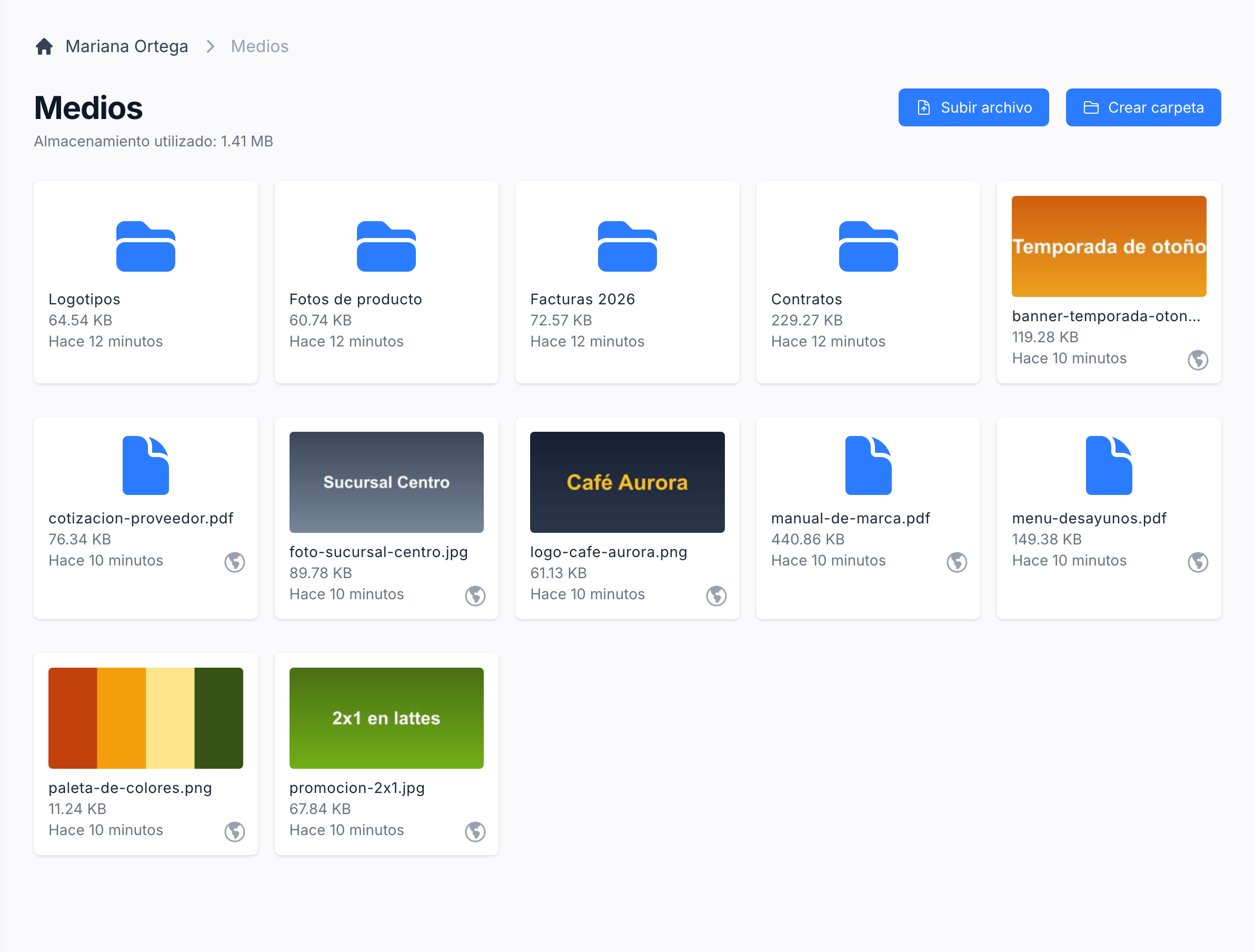
A file manager in every account
Each account browses, uploads and organises its files in folders of its own, with a thumbnail for every image and the room each folder takes. The same library holds the profile picture and the files attached anywhere else.
Where the files are stored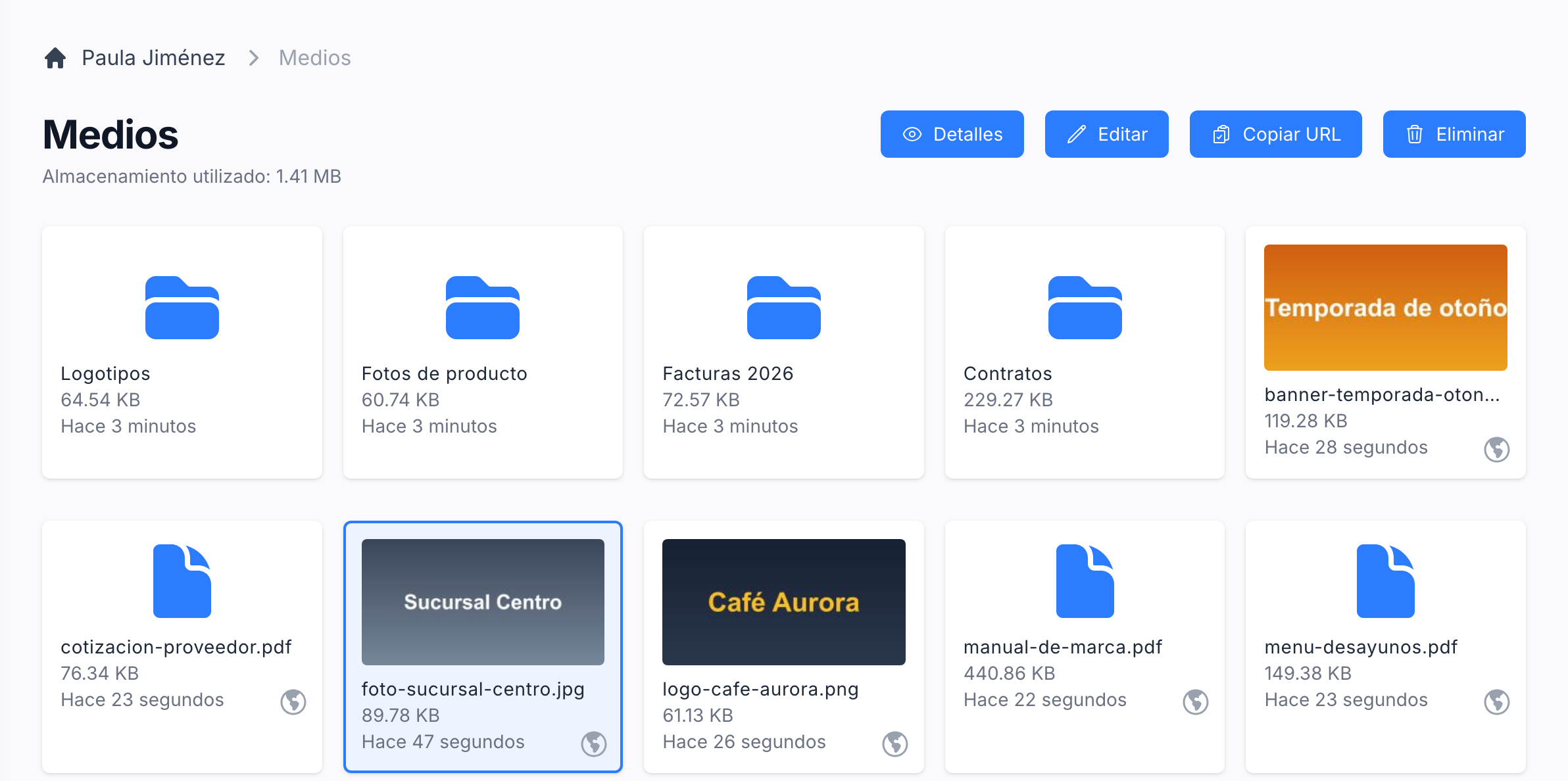
Rename, move, copy or delete a file from the folder
Select a file and its actions appear above the folder. Details opens a preview with its name, size and type and a link that opens it in a new tab, Edit renames it or moves it to another folder, and the same bar copies its address or deletes it.
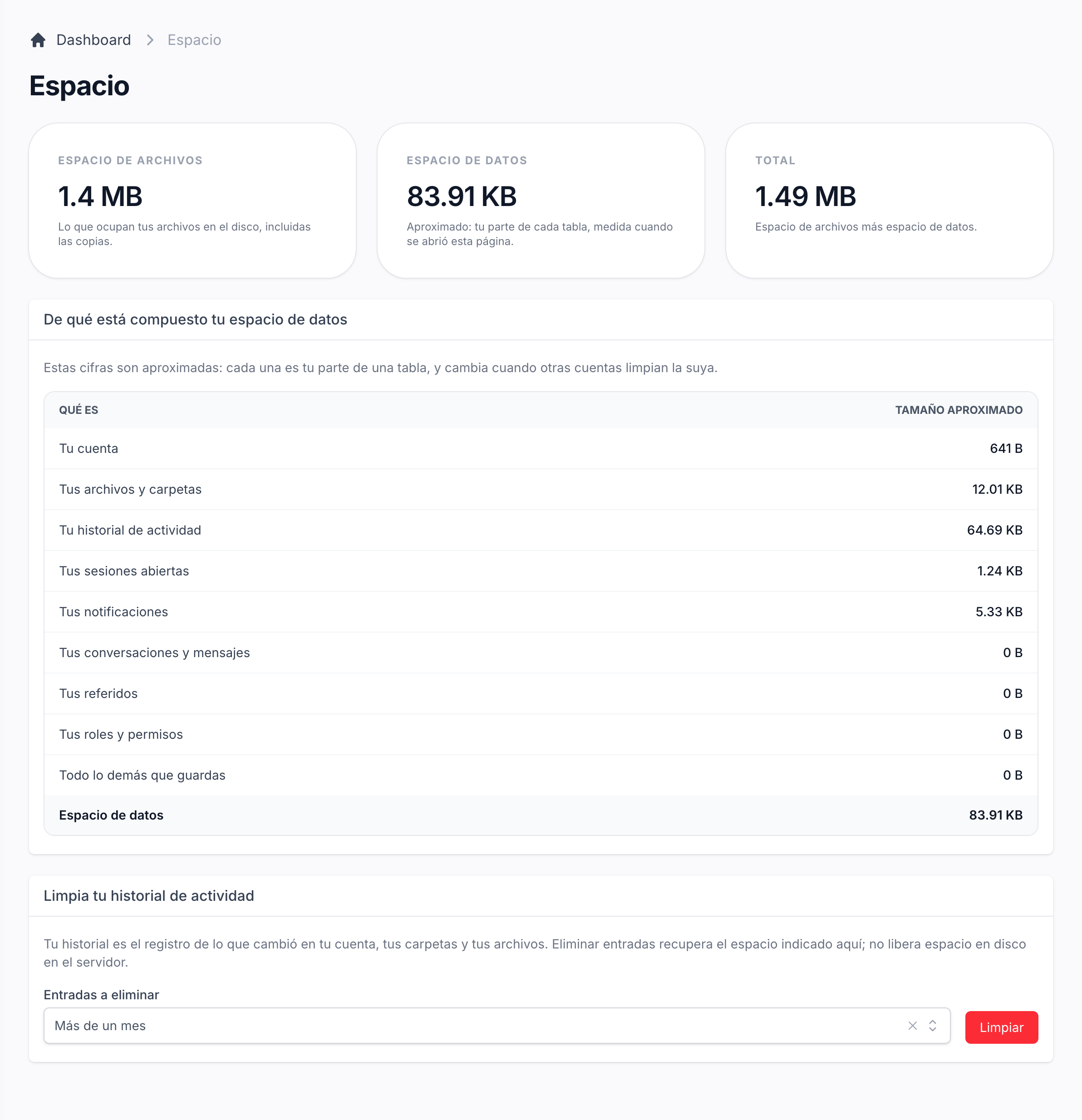
Show each account how much room it takes
The Space page adds up the files on disk and the account's share of the database, and breaks the data down into its history, sessions, notifications and messages. When the plan sets a limit, the files are read against it, with a warning before the room runs out.
What each figure measuresLet the account free up room on its own
The activity history is usually what grows. The account picks how old the entries it removes are, from a month to everything, and the figures are measured again at once.
How the history is cleaned up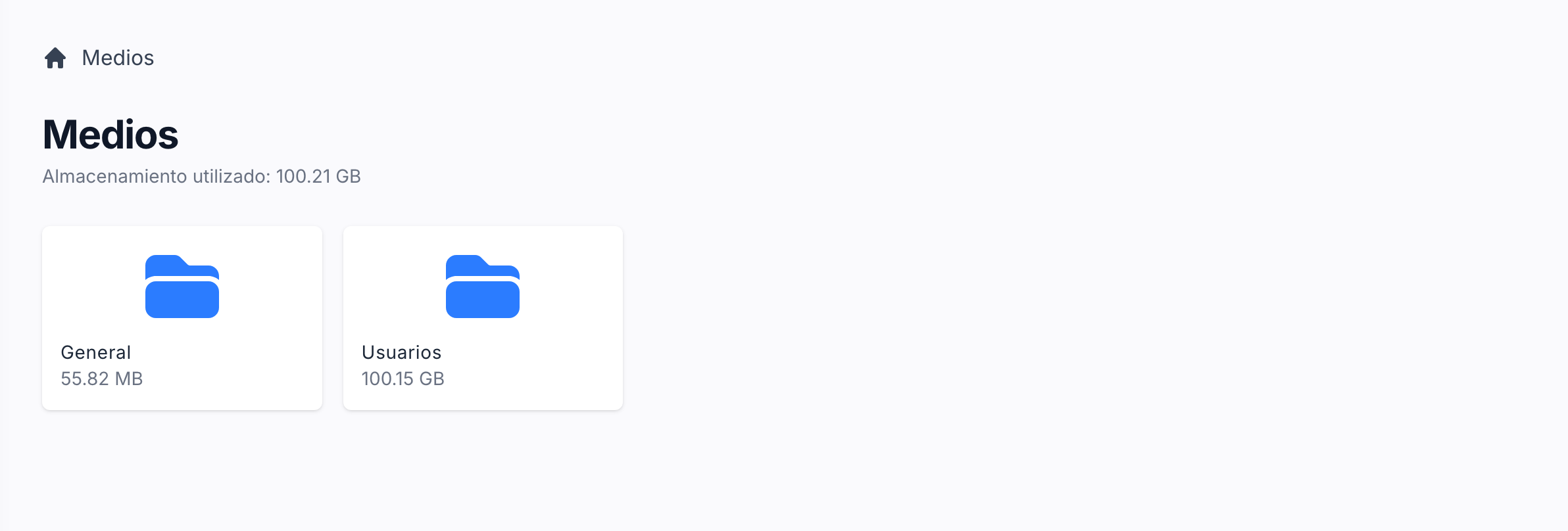
Reach any account's files from the admin panel
The admin media screen opens the general folder, which counts against no account's limit, and the folders of every account, with the same grid, uploads and previews the account sees.
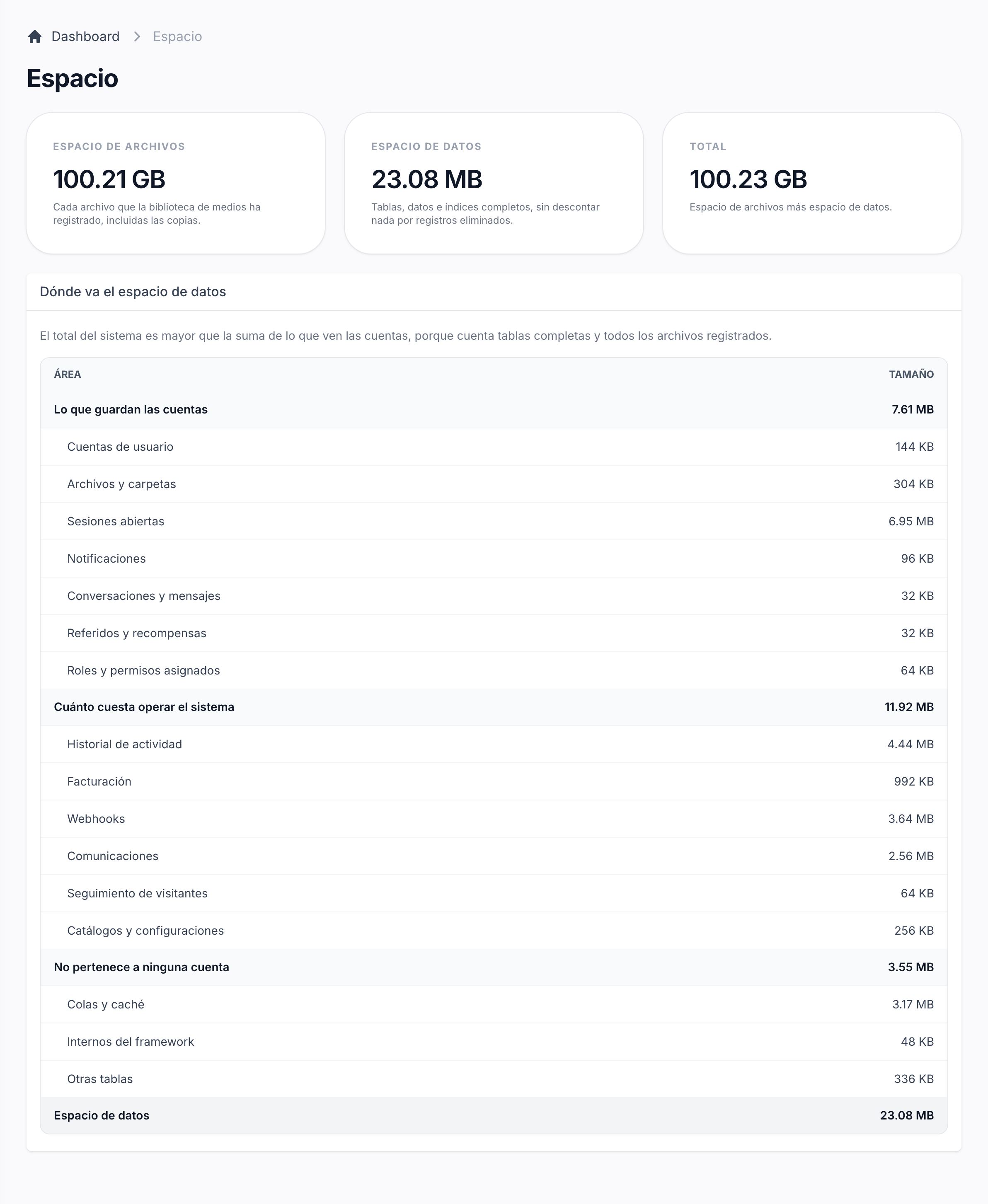
See what is actually filling up the server
The system report totals every file the media library holds and every table of the database, grouped into what accounts store, what running the system costs and what belongs to nobody.
How the system report is read