

Sudo and super administrators
The committed list of owners, what it unlocks beyond the admin role, and how the seeder treats them.
The kit has two kinds of powerful account. An administrator is a user with the admin role: a database fact, granted from the admin panel, with every permission attached. A super administrator, sudo for short, is an email address written in config/app.php: a committed fact, granted by a deploy, that opens the parts of the system meant for the people who run the code rather than the product. You need this guide the first time you seed a database, and every time someone joins or leaves the team that owns the server.
The list
// config/app.php
'sudo' => [
    '[email protected]',
],

'default_users' => [
    '[email protected]',
],
sudo is the list of owners. default_users is a second list, seeded the same way, of ordinary accounts with no role, useful on a staging server. Emails are compared in lowercase, so the case you write does not matter.
Sudo versus the admin role
Being sudo does not by itself open the admin panel: /admin is behind the admin role, which is why the seeder gives every sudo that role. What sudo adds is the short list below, checked one screen at a time against the code.
| Capability | Admin role | Sudo (with the admin role) |
|---|---|---|
Enter /admin and use every resource |
Yes | Yes |
| Create users, assign roles, edit roles and permissions | Yes | Yes |
Open the DevZone at /admin/dev: edit .env, deploy, test push and mobile platforms |
No, the page answers 405 and the sidebar hides the link | Yes |
List the activity log at /admin/activities |
No | Yes (opening a single record needs the admin role only) |
Act as another user from /admin/users |
Yes, any admin who can open the users list | Yes |
| Block a user | Yes, except users who hold the admin role | Same |
| Reset a user's PIN, when the PIN is enabled | Yes | Yes |
| Be deleted from the admin panel | Yes | No: a sudo account cannot be deleted by anyone |
| Have the admin role edited or deleted | No: the admin role itself is read-only, and the default role cannot be deleted | Same |
So the difference is operational: the DevZone, the full activity log, and protection against deletion. Everything a product administrator does day to day works with the role alone, and that is the account you give to the people who run the product. The impersonation and blocking rules are detailed in Protect sensitive actions; the DevZone in The DevZone; roles in Roles and permissions.
How sudo is checked in code
There is no column, gate or middleware. The User model has a computed sudo attribute, defined in the App\Traits\UserBase trait:
protected function sudo(): Attribute
{
    return Attribute::get(function () {
        return in_array($this->email, array_map('strtolower', config('app.sudo')));
    })->shouldCache();
}
So anywhere you have a user, $user->sudo is true or false, computed once per instance. That is the whole mechanism, and it is what the kit itself uses:
// A component only sudo may open: App\Livewire\Admin\DevZone
public function mount()
{
    if (! auth()->user()->sudo) {
        abort(405);
    }
}

// A policy: App\Policies\ActivityPolicy
public function viewAny(User $user)
{
    return $user->hasRole(config('app.admin_role')) && $user->sudo;
}

// A sidebar item: resources/views/layouts/sidebars/admin.blade.php
['name' => 'Dev Zone', 'url' => '/admin/dev', 'show' => auth()->user()->sudo],
Use the same attribute for anything of your own that should stay with the owners. Check it in mount() for a whole page, in a policy for a resource, and in show for a menu item, so the link disappears for everyone else instead of leading to an error.
Add or remove a sudo
To add one, add the email to the array, commit, deploy, and run the admin seeder so the account exists and holds the admin role:
php artisan db:seed --class=AdminSeeder
The sudo attribute is true the moment the new config is live, seeder or not, because it reads the file. The seeder is what creates the user when it does not exist and what grants the admin role. For an account that already exists it only assigns the role and leaves the password alone.
To remove one, delete the email, deploy, and then remove the admin role by hand from /admin/users: the seeder adds roles and never takes them away. The account keeps whatever roles it has, minus the sudo powers, from the next request.
What the seeder does
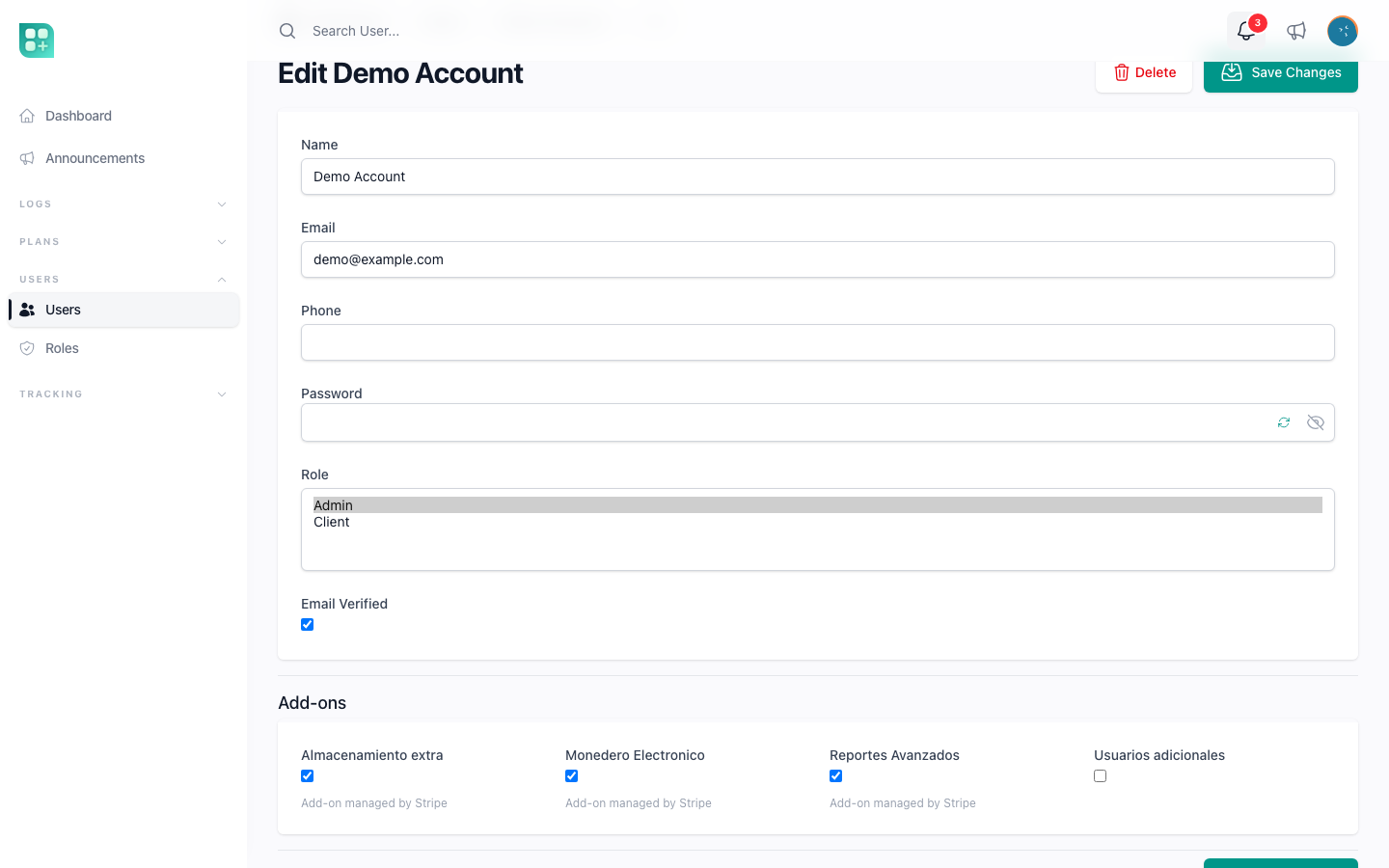
php artisan db:seed runs, in this order, PermissionSeeder, RoleSeeder, AdminSeeder, UserSeeder and AddOnSeeder. The first two build the permissions and the admin role, and sync every permission onto that role on every run; RoleSeeder also creates the default_role when one is configured and a client role. Then, for each email in sudo, AdminSeeder:
- Lowercases the email and takes the part before
@as the handle. - Finds the user by email, deleted accounts included, or creates it with the handle as a title-cased name, the email marked as verified, and the handle reversed as the password.
[email protected]gets the nameAdminand the passwordnimda. - If the account still has that seeded password, flags it for a forced password change, so the first sign-in goes straight to the change-password screen and the predictable password never survives a session.
- Assigns the admin role.
UserSeeder does the same for default_users, minus the role and minus the forced change. [email protected] therefore signs in with tset.
Both seeders use a find-or-create, so running them again is safe: an existing account keeps its password, its roles and its data. That also means the seeder cannot repair a forgotten password; use the reset link on the sign-in page for that.
Why a committed list and not a database flag
A flag in the users table would be one more thing an administrator with the right permission could set from /admin/users, on themselves or on anyone. The list cannot: promoting someone to sudo takes a commit, a review and a deploy, and the history of who was sudo when is in Git. A fresh database, on a new server or after a disaster, seeds the same owners from the same file without anyone typing an email. And because config/ is owned by your project, the list survives every merge from the base with no conflict.
Keep the list short. A sudo can rewrite .env and run deploy commands from the browser, which makes them an operator of the server, not just of the product.