The groundwork is done; build the product
Languages, timezones, countries, push, colours, forms, storage and a public site are already solved, and everything you rewrite lives in a folder the base never touches.
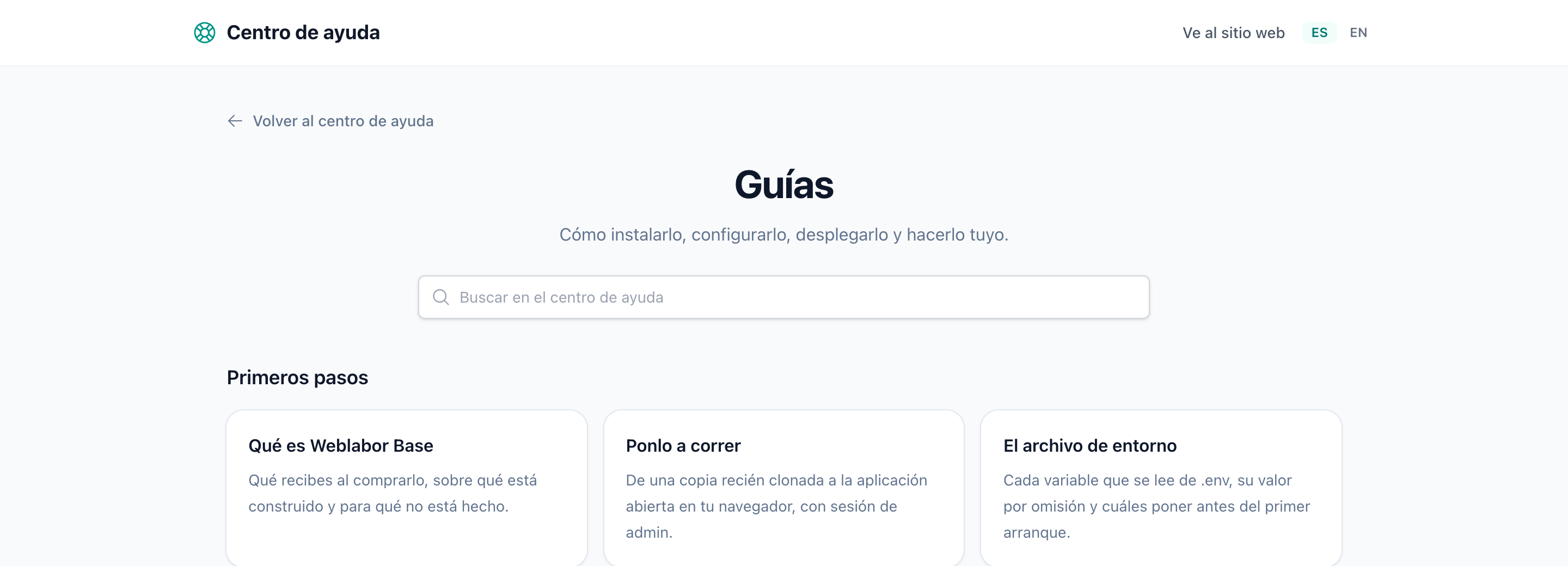
Speak to each visitor in their language
The site ships in English and Spanish, opens in the language the visitor browser asks for and lets them switch. A signed-in account carries its language to every device.
Translate new text with one command
Write every string in English and run one command: it collects the new strings and translates the missing ones through the AI provider you connect. Adding a third language is a line of configuration and the same command.
How translation works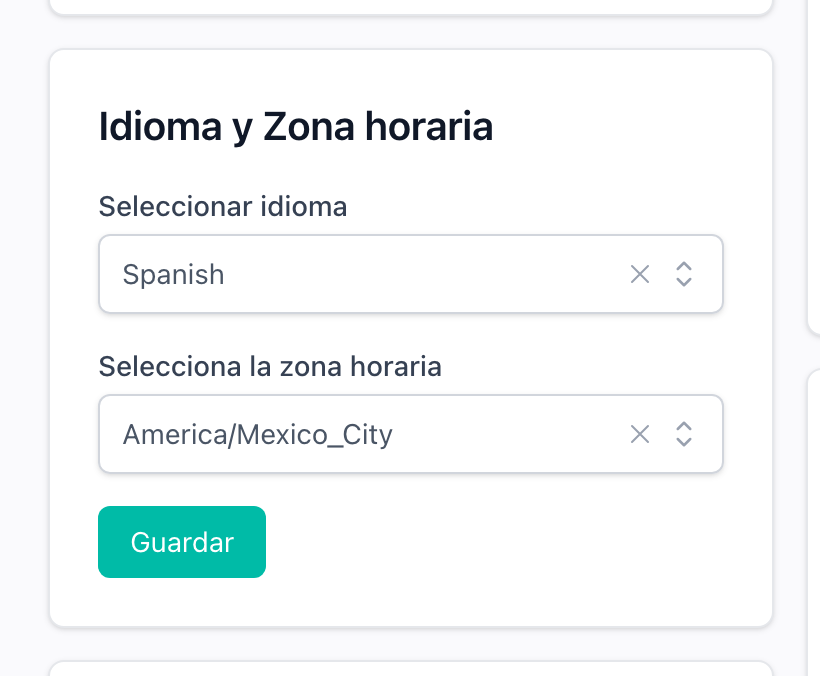
Show every date in the reader timezone
Dates are stored in UTC and come out of every model already converted to the signed-in person timezone, and a date they type goes back the same way. The timezone is worked out at registration and kept on the account.
How dates are stored and shownKnow where your visitor is
The country is detected from the visitor IP once per visit and stored on the account when they register. Prices pick the row for that country, and a phone typed without its prefix is read as a number from there.
How the country is detected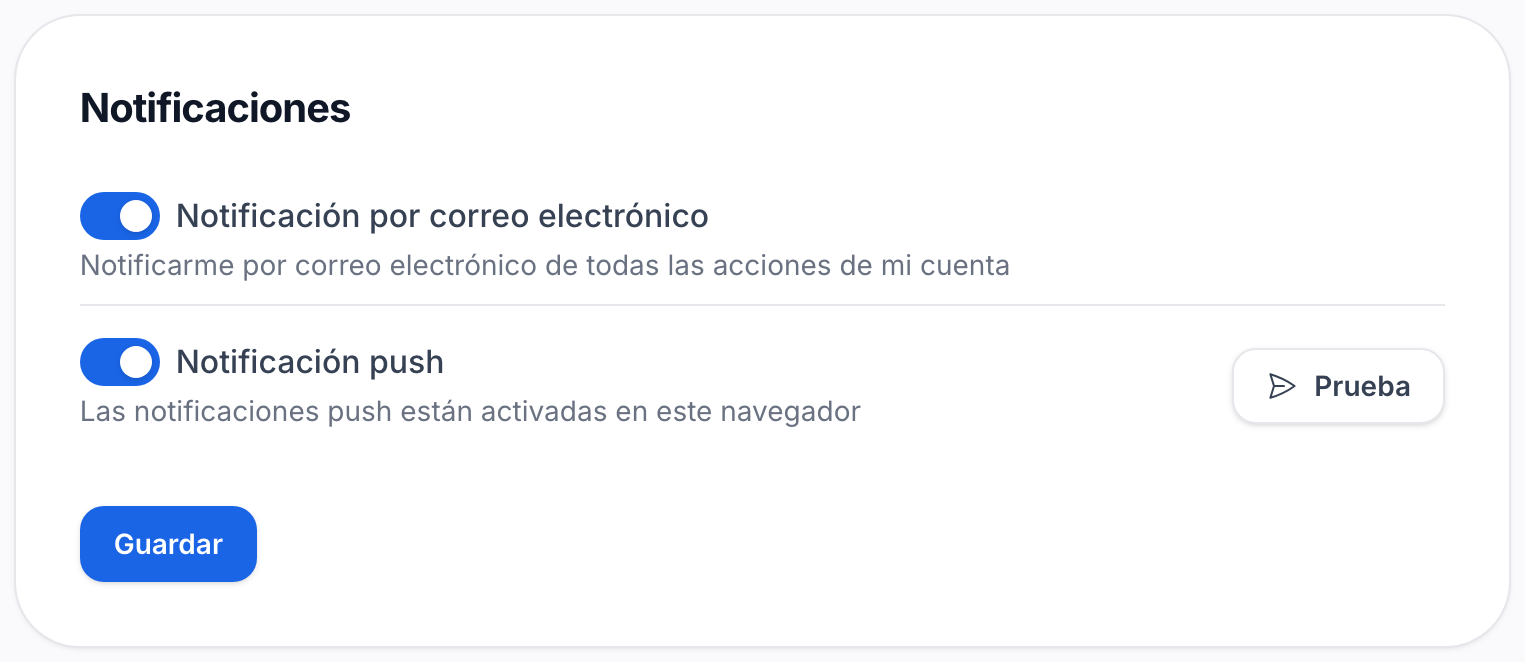
Ship an app that installs and notifies
Turn on the PWA and the site installs on a phone or a desktop, with its icons and splash screens generated from one image. Web push reaches subscribed browsers with the site closed, from the same notification class you already send.
How to set up the PWA and pushRestyle the whole interface by changing seven colours
Views name semantic tokens, primary, positive, negative, warning, never a palette. Map each token to your colours once and every screen, the admin panel and the emails follow.
Where the brand lives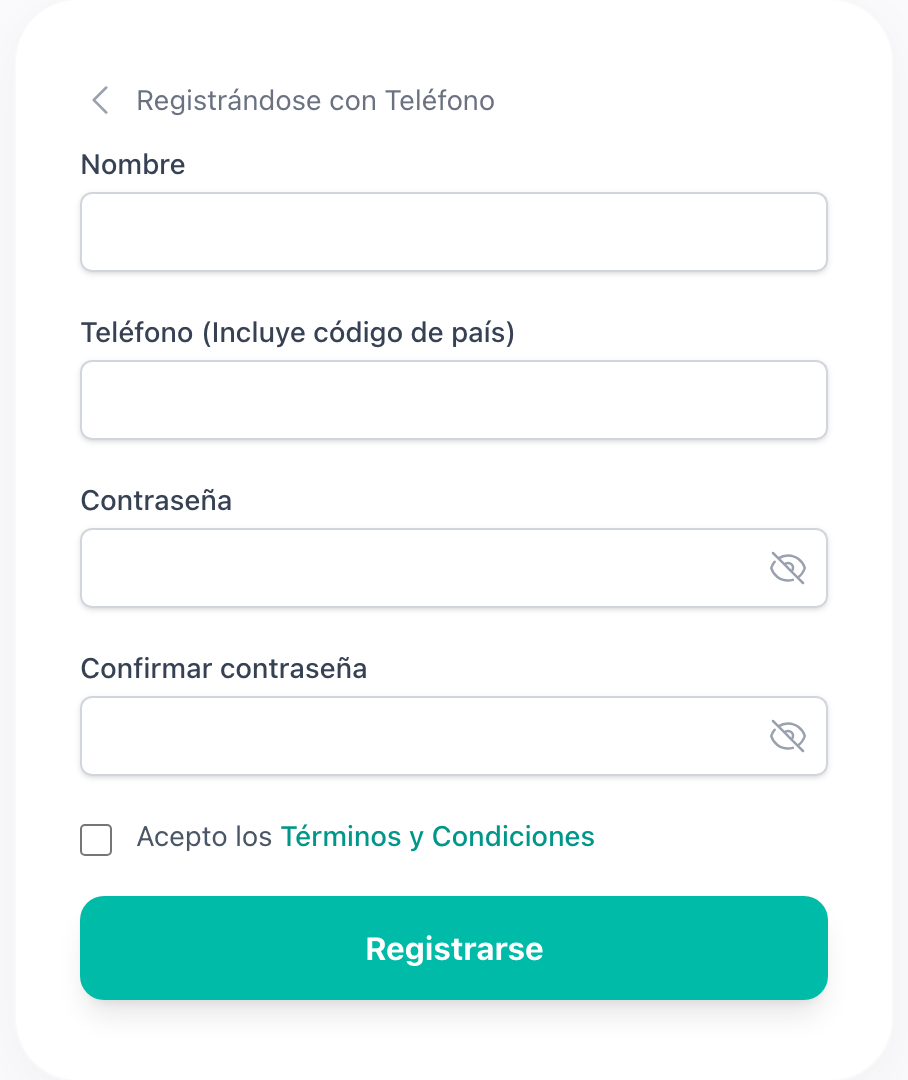
Build forms from fields that already work
Email and phone inputs verify themselves with a code and show a badge once they are verified. Dates, times, selects, toggles and passwords come with the same label, error and focus ring, bound to Livewire with one attribute.
Reach for the field you did not expect to have
A domain input that assembles host and extension, country and city selects, categories from a tree, and an audio player with waveform, speed and volume are components you drop in.
Store files on disk or S3 and get resized images
Point the application at a local disk or a bucket with one variable. An uploaded picture is resized and saved with six thumbnails, and one helper gives you the URL of any size.
How storage works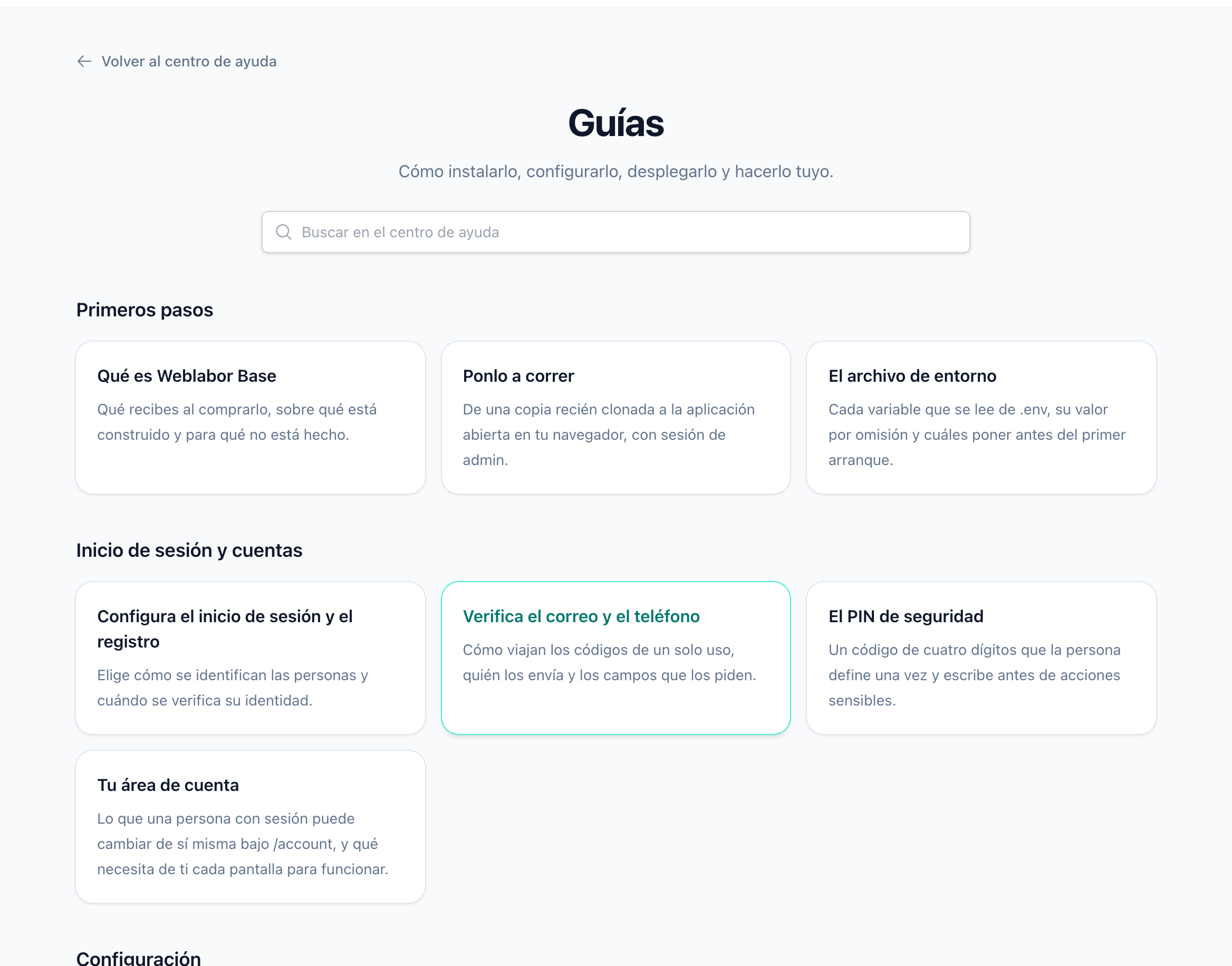
Publish a site with the product, not after it
Landing page, feature pages, a searchable help centre and a monthly changelog are rendered from Blade and Markdown files in your repository. Translations carry a fingerprint, so a guide whose English moved on is named before you push.
How to write guides and the changelogOpen with privacy and terms pages already in place
The site serves a privacy policy and terms of service, linked from the footer and from the registration form, with your product name already in them. Write your own text in a file named after your project and it replaces the generic one.
How to write the legal pages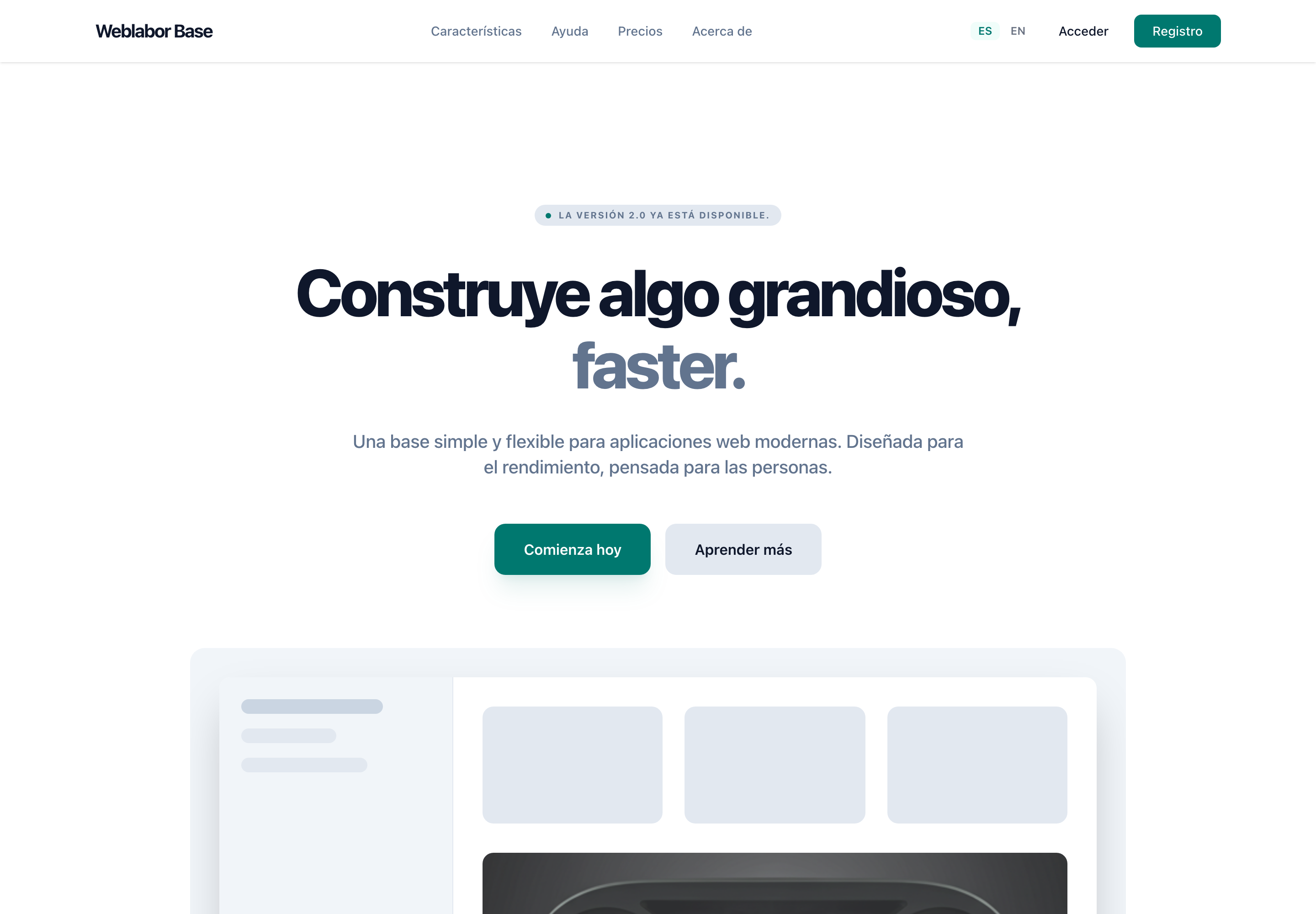
Keep your product apart from the base
Your landing, guides, brief and configuration live in folders named after your project, which the base never edits. Merging the next version of the kit brings its fixes without touching a line of yours.
Where your product goes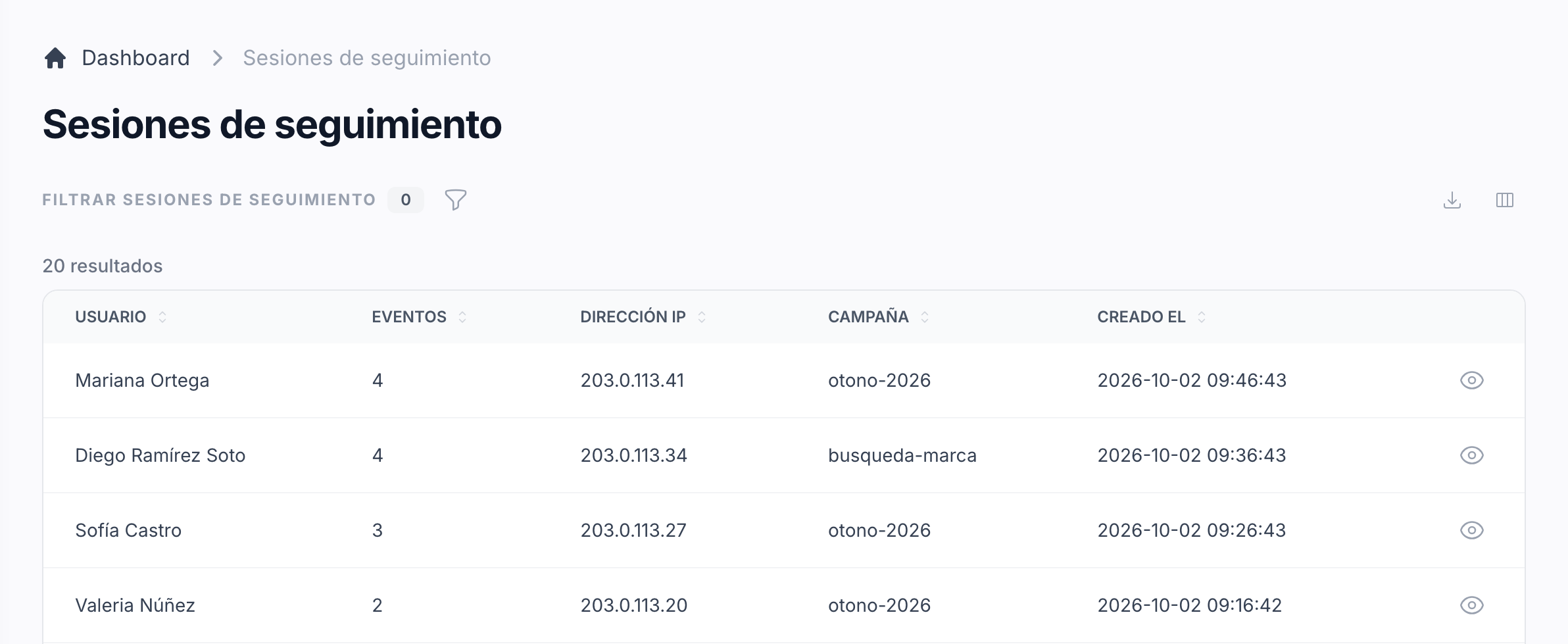
Follow visitors from campaign to payment
Turn on tracking and each visitor gets a session with its campaign and Facebook identifiers, on which registration, subscription and payment are recorded. Every event is forwarded to the Facebook Conversions API and charted on the admin dashboard.
How visitor tracking worksFiles and room for every account
Every account comes with a file manager and a page that shows how much room it takes, so storage is one thing you do not have to build.
See media and space